

Visit Site
Kling AI
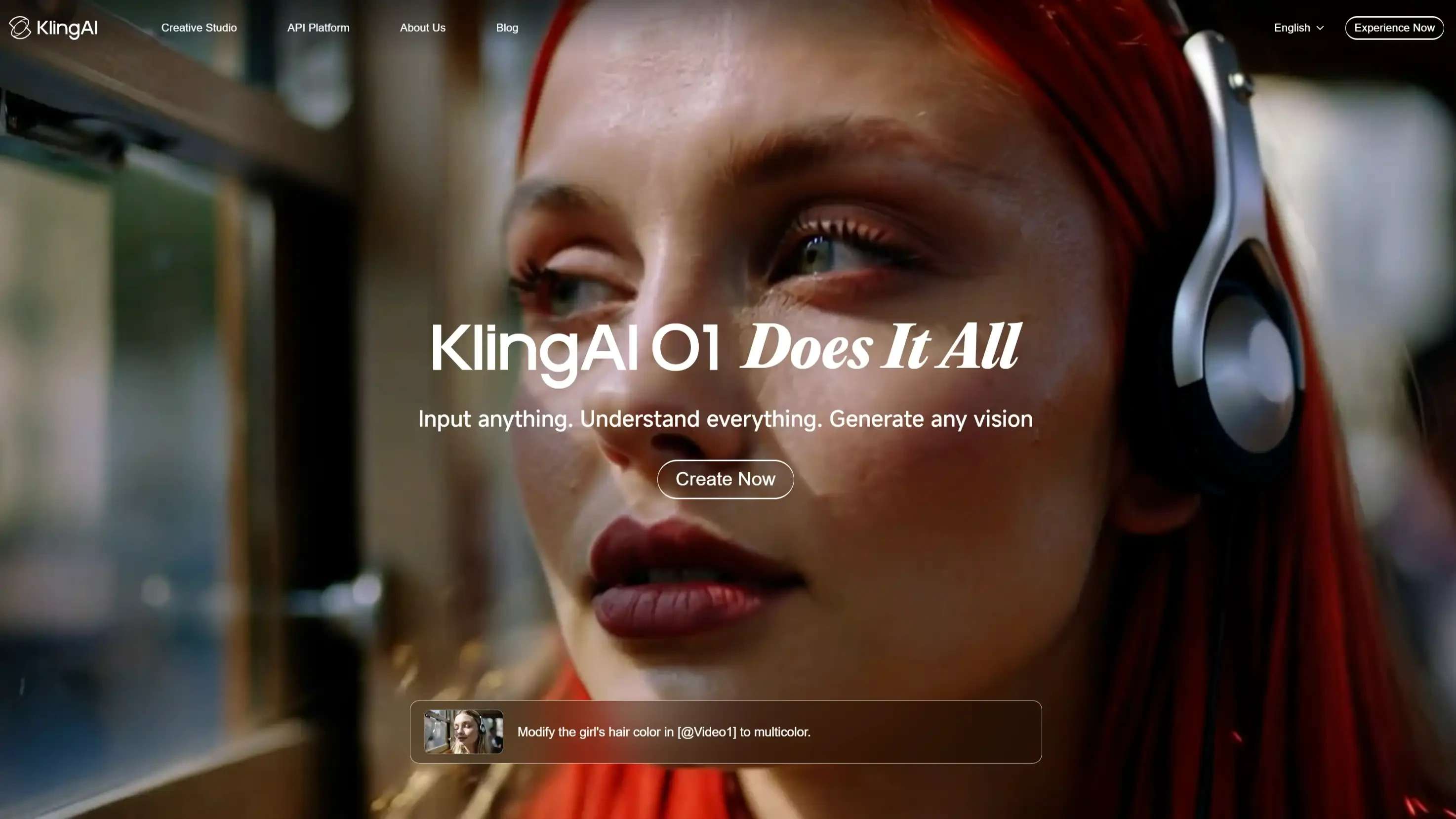
High-performance AI video generation tool from Kuaishou, creating realistic 5s-10s videos with advanced motion control.
FreemiumKuaishougenerative aicinematic videomotion graphicstext-to-video
By Kuaishou Technology • Founded 2024
About Kling AI
Kling AI is a cinema-grade video generation model capable of producing 1080p videos up to 2 minutes via extension. It features advanced physics simulation, complex motion control, and multi-modal inputs (text/image), rivaling top competitors in realism, temporal consistency, and prompt adherence.
Features
- Text-to-Video Generation (1080p resolution)
- Image-to-Video with Camera Control
- Video Extension (Up to 3 minutes)
- Motion Brush and Lip-Sync
- Complex Physics and Realistic Motion Simulation
Pros & Cons
Pros
- High-definition output (1080p) with excellent realism.
- Generous daily free credits (66 credits/day)
- Advanced camera controls (Pan, Tilt, Zoom).
- Longer video duration capability via extension.
Cons
- Generation queues can be slow for free users.
- Complex prompts sometimes result in artifacts.
- Professional mode consumes significantly more credits.
- Strict content moderation filters.
Pricing
Free
$0/month
- Free 66 daily credits
- Watermarked videos
- Standard mode only
Standard
$10/mo
- 660 monthly credits
- Watermark removal
- Professional mode access
Pro
$37/mo
- 3000 monthly credits
- Priority generation
- Extended duration features
Premier
$92/mo
- 8000 monthly credits
- Top-tier priority
- Maximum parallel tasks
Use Cases
Creating realistic stock footage for marketing.
Animating static images for social media.
Storyboarding and pre-visualization for film.
Generating engaging short-form video content.
Educational and training video production.
How to Use Kling AI
1. Sign up/Log in at klingai.com and navigate to the "AI Creative" studio.
2. Select "Text to Video" or "Image to Video" mode.
3. Enter a detailed prompt or upload a reference image.
4. Adjust settings (Creativity level, Mode: Standard/Professional, Camera movement).
5. Click "Generate" and wait for the video to render (costs credits).
Demo Video
Links
Frequently Asked Questions
The credit consumption depends on the video resolution, duration, and model. A standard 5-second video typically costs 10 credits.
Reviews
Reviews coming soon.