

Descript
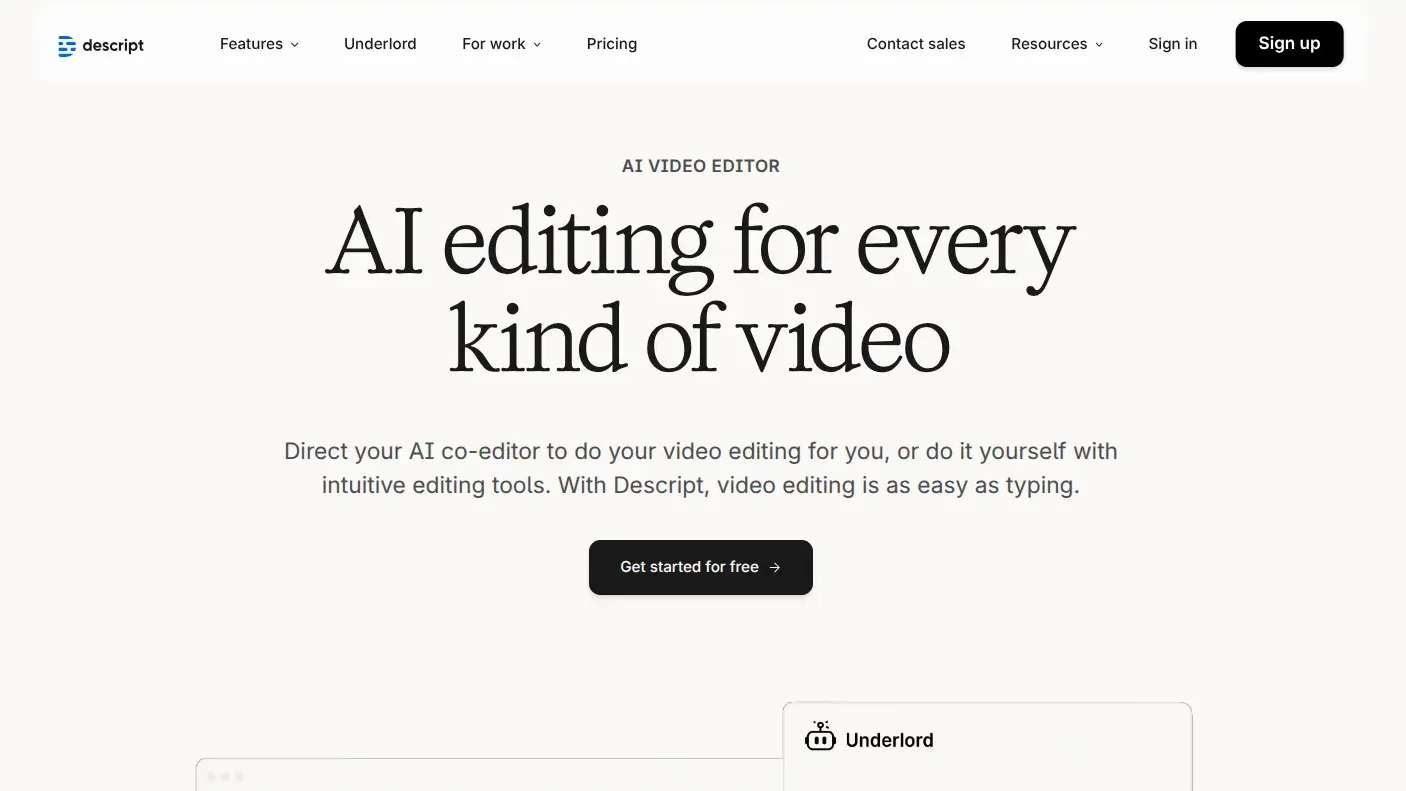
AI-powered video and audio editor that lets you edit media by editing the transcribed text like a word document.
About Descript
Descript is an all-in-one AI video and podcast editor that treats media like a document. By using its "Edit by Text" workflow, creators can produce high-quality content 10x faster. It includes professional tools for transcription, multitrack editing, and AI-generated voice/video enhancements.
Features
- Edit by Text: Remove words or sentences from the transcript to instantly cut the corresponding video or audio.
- Studio Sound: One-click AI enhancement that removes background noise and makes low-quality mics sound professional.
- Underlord: An integrated AI assistant that automates tasks like clip finding, transcription, and filler word removal.
- Eye Contact Correction: AI-driven video adjustment that makes it look like the speaker is looking at the camera.
- Overdub: Create a realistic text-to-speech clone of your own voice to fix audio mistakes without re-recording.
Pros & Cons
Pros
- Revolutionary text-based editing saves massive amounts of time.
- Best-in-class AI audio enhancement (Studio Sound).
- Seamless cloud-based collaboration for teams.
Cons
- Can be resource-heavy on older hardware.
- High learning curve for its advanced non-linear editing features.
- Internet connection is required for high-end AI processing.
Pricing
Free
$0/month
- 1 Media hour per month
- 720p export with watermark
- Limited AI credits
Hobbyist
$16/month
- 10 Media hours per month
- 1080p watermark-free export
- 400 AI credits for Underlord
Creator
$24/month
- 30 Media hours per month
- 4K watermark-free export
- 800 AI credits and stock media library
Business
$50/month
- 40 Media hours per month
- Brand Studio for custom templates
- 1500 AI credits and priority support
Enterprise
Custom
- Custom media minutes and security
- Dedicated account manager
- SSO/SCIM and flexible licensing
Use Cases
Podcast Production: Rapidly editing long-form interviews and cleaning up audio quality.
Social Media Clips: Turning long videos into short-form reels/shorts with automated captions and layouts.
Educational Tutorials: Creating technical walkthroughs with built-in screen recording and text-based editing.
Internal Business Comms: Making professional-looking sales demos or training videos without a dedicated editor.
Content Repurposing: Instantly generating blog posts or summaries from existing video transcripts.
How to Use Descript
Links
Frequently Asked Questions
Reviews
Reviews coming soon.